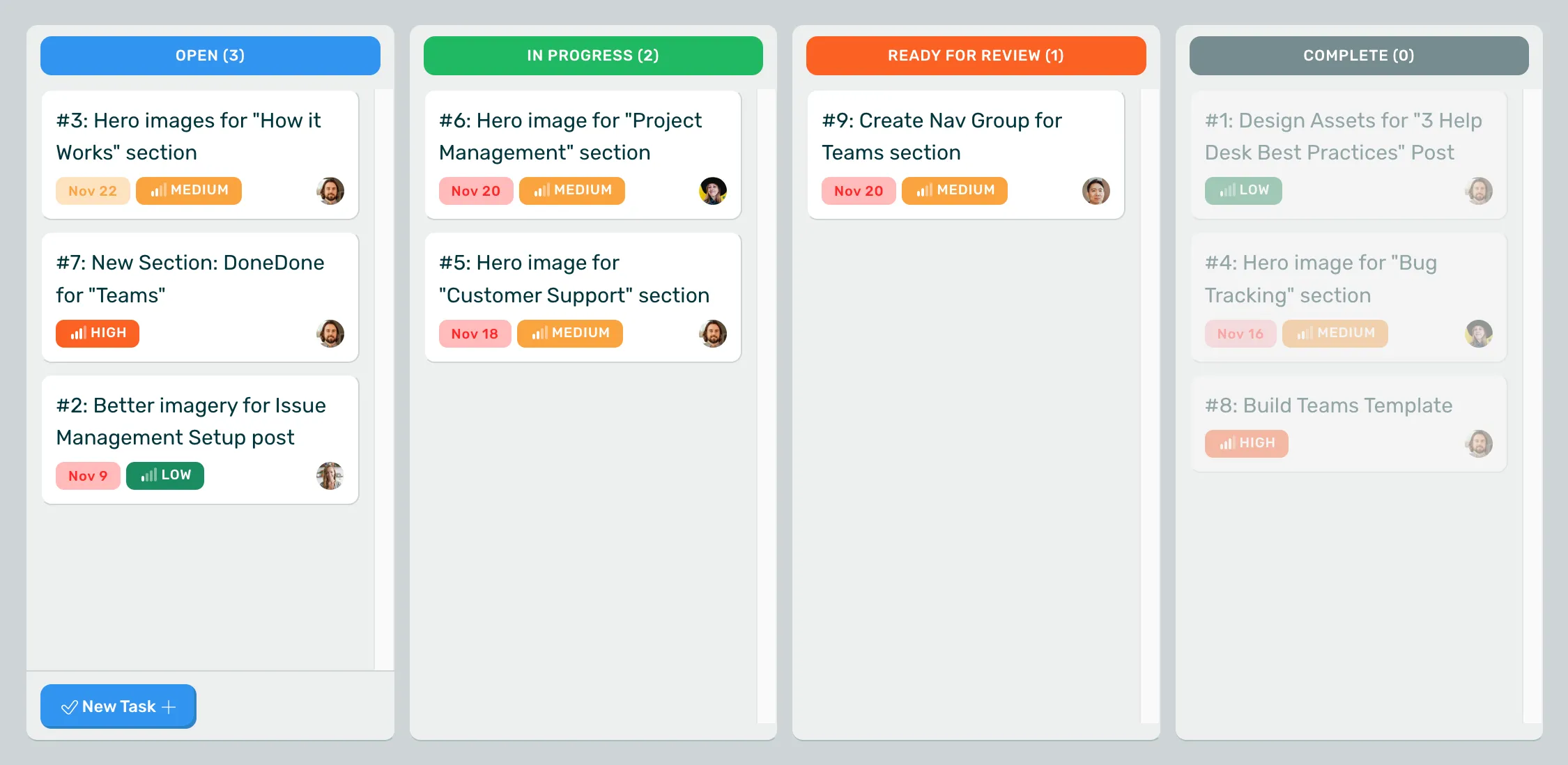
DoneDone is the simple, effective issue tracker.

If your team is using spreadsheets, sticky notes, and email to keep track of bugs, ideas, and requests, then start using DoneDone. Your clients will understand it and your programming team will thank you for it.

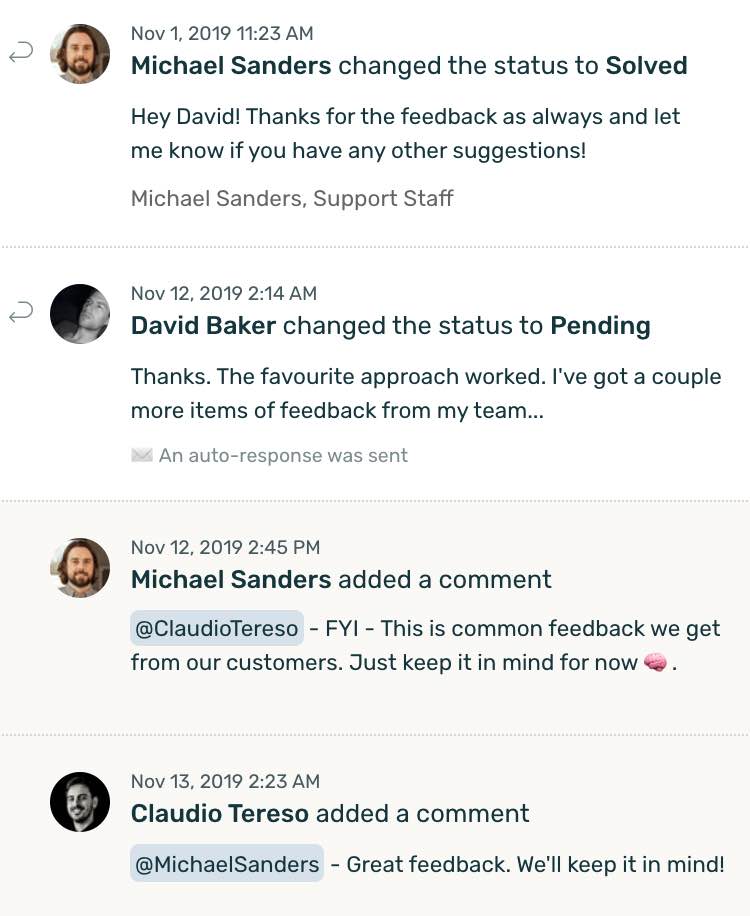
Issue Tracker: Viewing an issue in DoneDone
  • Get Realtime Notifications
  • Assign & Verify Work
  • SVN & Git Integration

Trusted by companies large and small

DoneDone customers

Use DoneDone to organize every phase of your project.

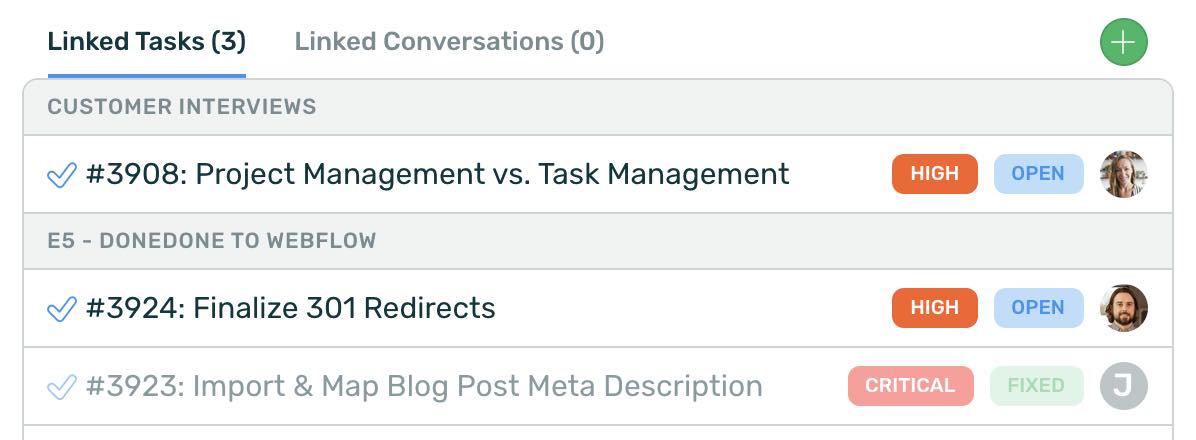
Issue Tracker: Creating an issue in DoneDone

Planning & Requirements

Focus the team early.

Get your ideas, sketches, and conversations into DoneDone issue tracker early to keep everyone up to date on broader business decisions.

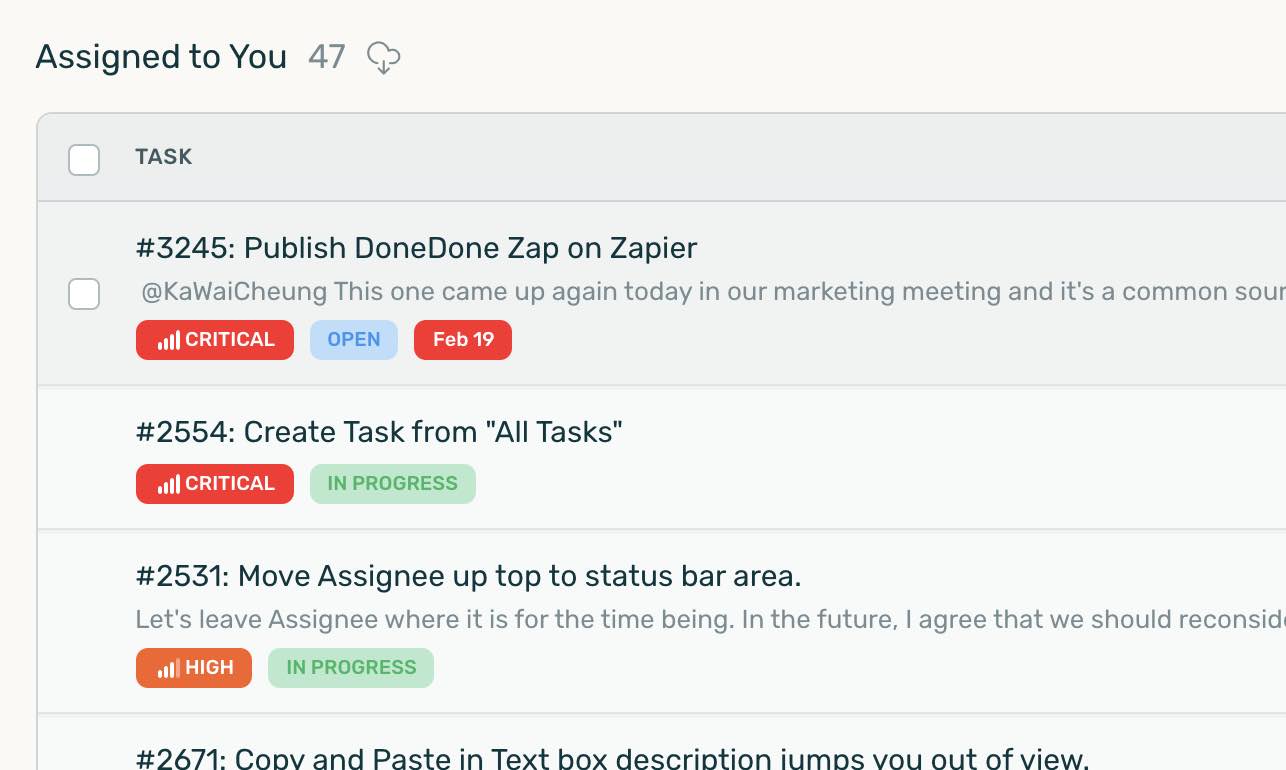
  • Prioritize your issues: Critical / High / Medium / Low
  • Assign due dates
  • Correspond and share files directly via email.
  • Clients can correspond directly via email.
  • There’s nothing to install. All you need is a browser and internet connection.
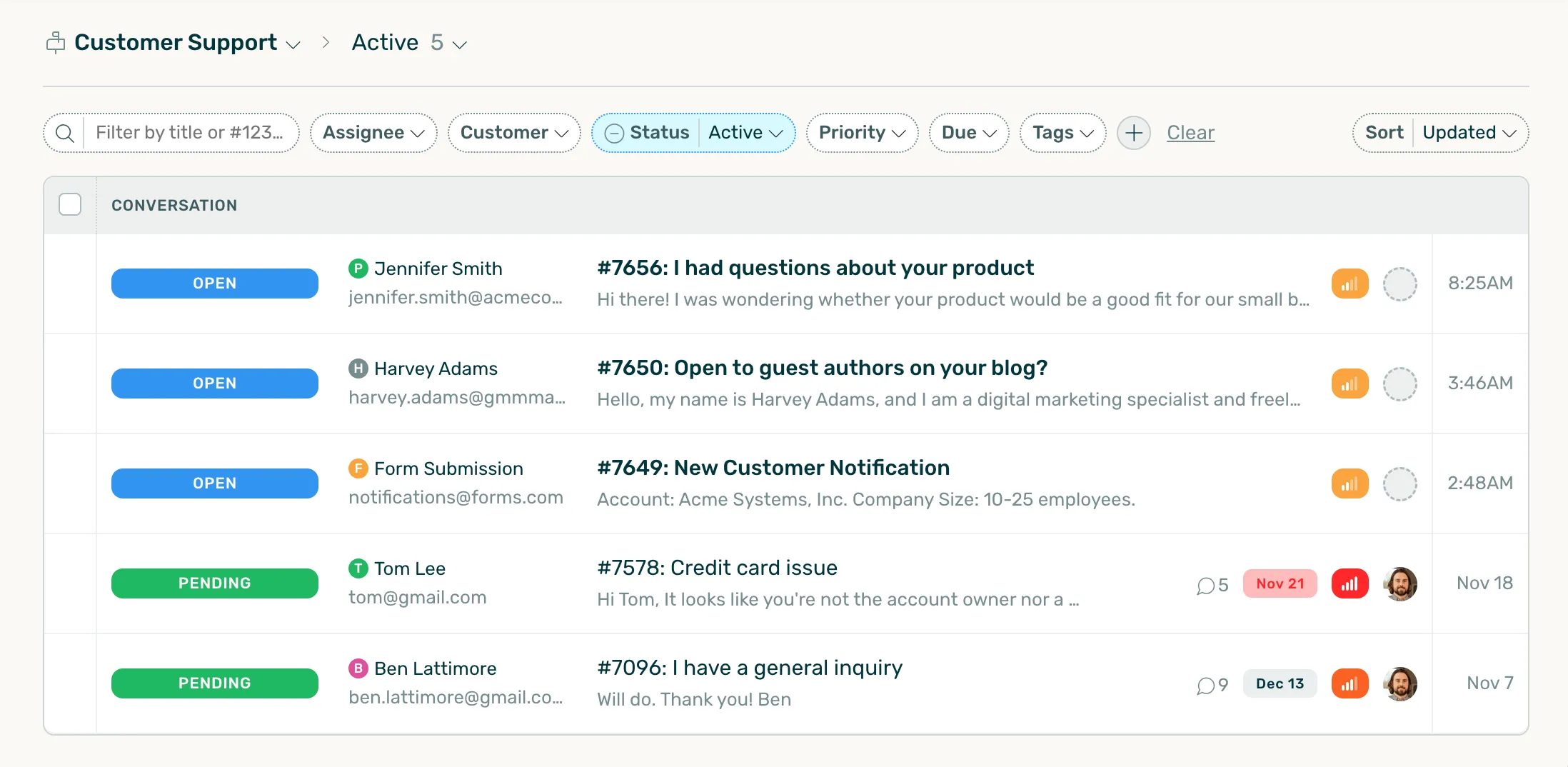
Issue Tracker: Viewing a list of issues in DoneDone

Coding & Design

Tune out the noise.

Once a project is underway, use DoneDone issue tracker to manage your features, sprints, and todo’s.

  • Categorize and search your issues using tags (‘v1’, ‘backburner’, ‘front-end’).
  • A crystal clear workflow for issues: Open / In progress / Need more information / Ready for next release.
  • Use popular services like Github and Beanstalk to sync your commits and pushes with DoneDone.
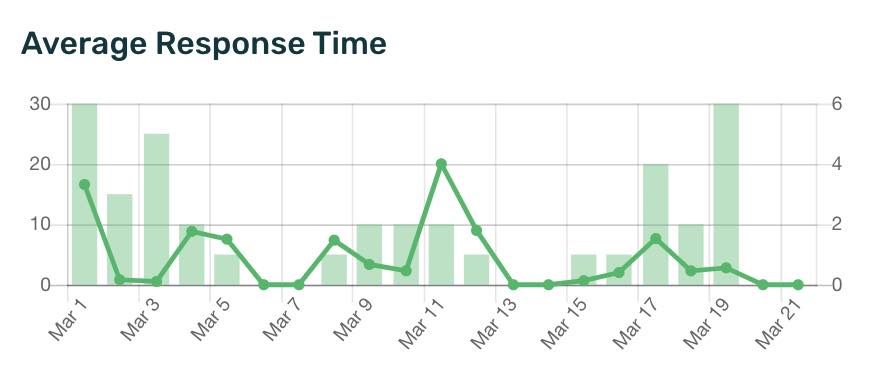
Issue Tracker: Viewing a drilldown report in DoneDone

Testing & QA

Tag ’em & bag ’em.

Once a project is ready for review, use DoneDone issue tracking software to log your bugs, requests, and ideas, keeping everyone on track for the big deadline.

  • Create Release Builds to communicate end of day progress and review cycles.
  • Import your clients and teams from Basecamp and give specific project access.
  • Integrate DoneDone with your Harvest account for easy time tracking
  • Drag and drop files and screenshots directly into your browser.
Issue Tracker: Viewing recent activity in DoneDone

Support & Maintenance

Keep up the momentum.

Once you’re through that crucial deadline, continue using DoneDone issue tracking software to manage ongoing support requests and maintenance tasks.

  • Even though the deadline has passed, customer feedback is just starting. Keep issues, requests, and correspondance organized as your team moves into maintenance mode.
  • Integrate DoneDone with your CRM applications using its secure API and webhooks.

DoneDone has brought simplicity and power to my team. It’s one tool that does everything right, rather than one tool that tries to do everything.

From the DoneDone Blog

More Blog Posts >

May 22, 2013

Creating and updating issues via email

Sometimes you don’t want to bother with opening a new application or browser tab to make a quick update to your issues and bugs. Luckily, DoneDone makes it…

Continue Reading >

May 14, 2013

Github timeouts and the quick and dirty solution

We recently have been experiencing some issues with Github integration. If you use Github webhooks to update issues, there’s a quick change you’ll need to make for the…

Continue Reading >

May 14, 2013

Slice & dice your issues with dashboard filters

Last week, our users created or updated a total of 13,145 issues within DoneDone. Assuming those updates were made during mostly-normal business hours, that’s over 300 changes per…

Continue Reading >

May 2, 2013

Y u no use HipChat integration?

We’re ecstatic today. One of our favorite apps, HipChat, now integrates with DoneDone. At We Are Mammoth, we’ve been using HipChat for nearly a year and I can’t…

Continue Reading >